How to Use Binance Cryptocurrency Exchange: A Beginner's Complete Guide to Trading and Features

Binance is one of the largest and most widely used cryptocurrency exchanges in the world. If you are new to crypto trading, understanding how to use the Binance exchange can feel overwhelming at first. This guide will walk you through the key steps and features, from creating an account to executing your first trade, ensuring you can navigate the platform confidently.
First, you need to create a Binance account. Visit the official Binance website or download the mobile app from the App Store or Google Play. Click on "Register" and provide your email address or phone number. Set a strong password that includes uppercase letters, numbers, and special characters. After registration, you will receive a verification code via email or SMS. Enter this code to verify your account. For enhanced security, it is highly recommended to enable Two-Factor Authentication (2FA) using Google Authenticator or a similar app. This adds an extra layer of protection against unauthorized access.
Next, you must complete the identity verification process, known as KYC (Know Your Customer). This is required to increase your withdrawal limits and comply with regulatory standards. You will need to upload a clear photo of your government-issued ID (such as a passport or driver’s license) and take a selfie for facial recognition. The verification usually takes a few minutes to a few hours. Once your identity is confirmed, you can proceed to deposit funds.
To deposit funds into your Binance account, click on "Wallet" and then "Fiat and Spot." Here, you have two main options: depositing fiat currency (like USD, EUR, or GBP) or depositing cryptocurrency. For fiat deposits, you can use a bank transfer, credit/debit card, or third-party payment services. For crypto deposits, select the cryptocurrency you wish to deposit (e.g., Bitcoin or Ethereum), copy the deposit address, and send your funds from an external wallet. Be absolutely certain that you are using the correct network (e.g., ERC20 for Ethereum) to avoid losing your funds.
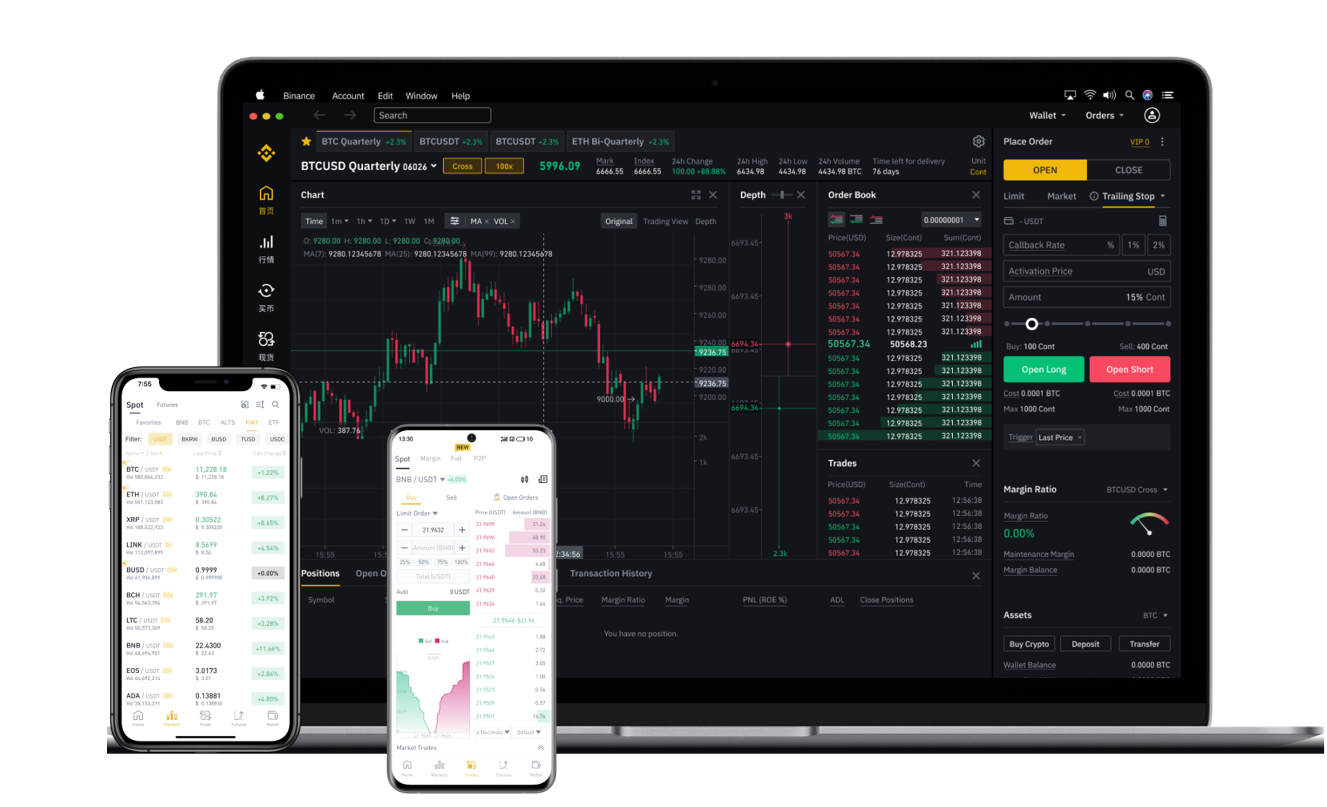
Once your account is funded, you can start trading. The most common trading method is the "Spot" market. On the Binance interface, navigate to "Trade" and select "Classic" or "Advanced" view. You will see a trading pair, such as BTC/USDT. The left side represents the base currency (Bitcoin), and the right side represents the quote currency (Tether). The order book shows buy and sell orders from other users. To place a market order, simply enter the amount you want to buy or sell and click "Buy BTC" or "Sell BTC." A market order is executed immediately at the current best available price. A limit order, on the other hand, allows you to set a specific price at which you want to trade; the order will only fill if the market reaches that price.
Beyond basic spot trading, Binance offers many advanced features. "Staking" allows you to earn passive income by locking up your cryptocurrencies for a set period. "Futures" and "Margin" trading enable you to trade with leverage, but these carry high risk and are recommended only for experienced traders. The "Earn" section provides products like savings accounts, liquid swap, and Launchpool, where you can earn new tokens by staking existing ones. For users who prefer mobile trading, the Binance app offers a streamlined interface with push notifications for price alerts and order updates.
Security is critical when using any exchange. Always store most of your assets in a hardware wallet or a self-custody wallet rather than leaving them on the exchange. On Binance, you should set up anti-phishing codes and regularly review your API key permissions if you use trading bots. Additionally, avoid clicking on suspicious links and always double-check the official Binance URL (binance.com).
In conclusion, using the Binance cryptocurrency exchange involves account setup, verification, depositing funds, and placing trades. Whether you are buying your first Bitcoin or exploring advanced earning tools, Binance provides a robust platform. Start with small amounts to get comfortable with the interface, and always prioritize security. With this step-by-step guide, you are now equipped to begin your journey on Binance safely and efficiently.