Step-by-Step Guide to Downloading and Using the Binance App for Crypto Trading

The Binance app is one of the most widely used cryptocurrency trading platforms in the world, offering a full suite of services including spot trading, futures, staking, and withdrawals. For newcomers, understanding how to properly download the official Binance app and navigate its interface is the first step toward secure and efficient trading. This guide walks you through the entire process, from downloading the official application to executing your first trade.
First and foremost, security should be your top priority. Only download the Binance app from official sources. If you are using an iOS device, visit the Apple App Store and search for "Binance." For Android users, the safest method is to go to the official Binance website (binance.com) via your mobile browser and scan the QR code provided for the direct APK download. Avoid third-party app stores or unknown links, as fake apps are common and can lead to theft of your funds. After installation, open the app and proceed to create an account. You will need to provide an email address or phone number, create a strong password, and complete the email or SMS verification step.
Once your account is verified, the next essential step is identity verification, also known as KYC (Know Your Customer). Tap on the profile icon, select "Identity Verification," and follow the on-screen instructions. You will be required to upload a photo of your government-issued ID (such as a passport or driver’s license) and complete a liveness check by taking a selfie. While basic trading features may be available without full verification, completing KYC unlocks higher withdrawal limits and full access to all trading pairs. This process typically takes a few minutes to a few hours depending on network volume.
After verification, it is time to deposit funds. Return to the main screen of the Binance app and tap the "Wallet" icon. Select "Deposit," then choose the cryptocurrency you want to transfer. If you are new to crypto, you can first purchase coins using fiat currency (such as USD or EUR). Tap "Buy Crypto" on the home screen, select your fiat currency, choose a payment method (such as bank transfer or card), and follow the prompts. For existing crypto holders, simply copy your deposit address and send funds from your external wallet or exchange. Always double-check that you are depositing the correct network (e.g., BEP-20 or ERC-20) to avoid losing your assets.
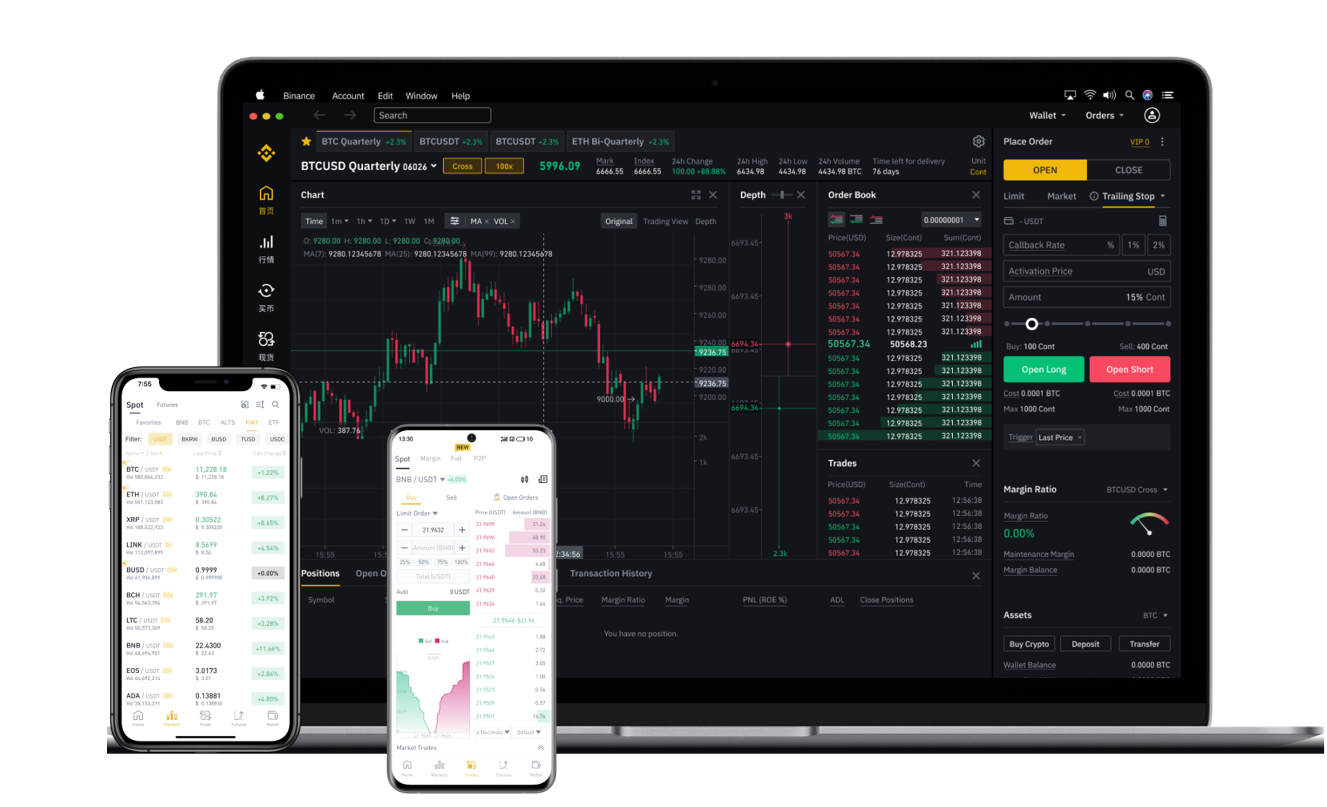
With funds in your Binance wallet, you can now start trading. The most common method for beginners is the "Convert" feature. Tap the "Trade" icon at the bottom, then select "Convert." Choose the coin you want to sell (for example, USDT) and the coin you want to buy (such as BTC), enter the amount, and confirm. This is a simple, one-click method with no need to understand order books. For more advanced users, the "Spot" trading interface offers real-time charts, limit orders, and stop-loss options. You can set a specific price at which you want to buy or sell, which gives you more control over your entry and exit points.
Beyond trading, the Binance app includes several valuable features. The "Earn" section allows you to stake your idle crypto for interest, the "P2P" marketplace enables direct peer-to-peer transactions without exchange fees, and the "Transfer" feature lets you move funds between your own Binance accounts instantly. Always enable two-factor authentication (2FA) via Google Authenticator or SMS in the "Security" settings. This adds an extra layer of protection against unauthorized access. Also, be cautious of phishing attempts—never share your 2FA codes, password, or private keys with anyone.
Finally, when you are ready to cash out or move your funds, use the "Withdraw" option under the Wallet menu. Enter the withdrawal address carefully, confirm via email and 2FA, and verify the network fee before finalizing. Always test with a small amount first, especially if you are sending to a new address. By following these steps, you can confidently navigate the Binance app, manage your assets securely, and participate in the global cryptocurrency market. Whether you are a long-term holder or an active trader, understanding these fundamentals ensures a smoother and safer trading experience.