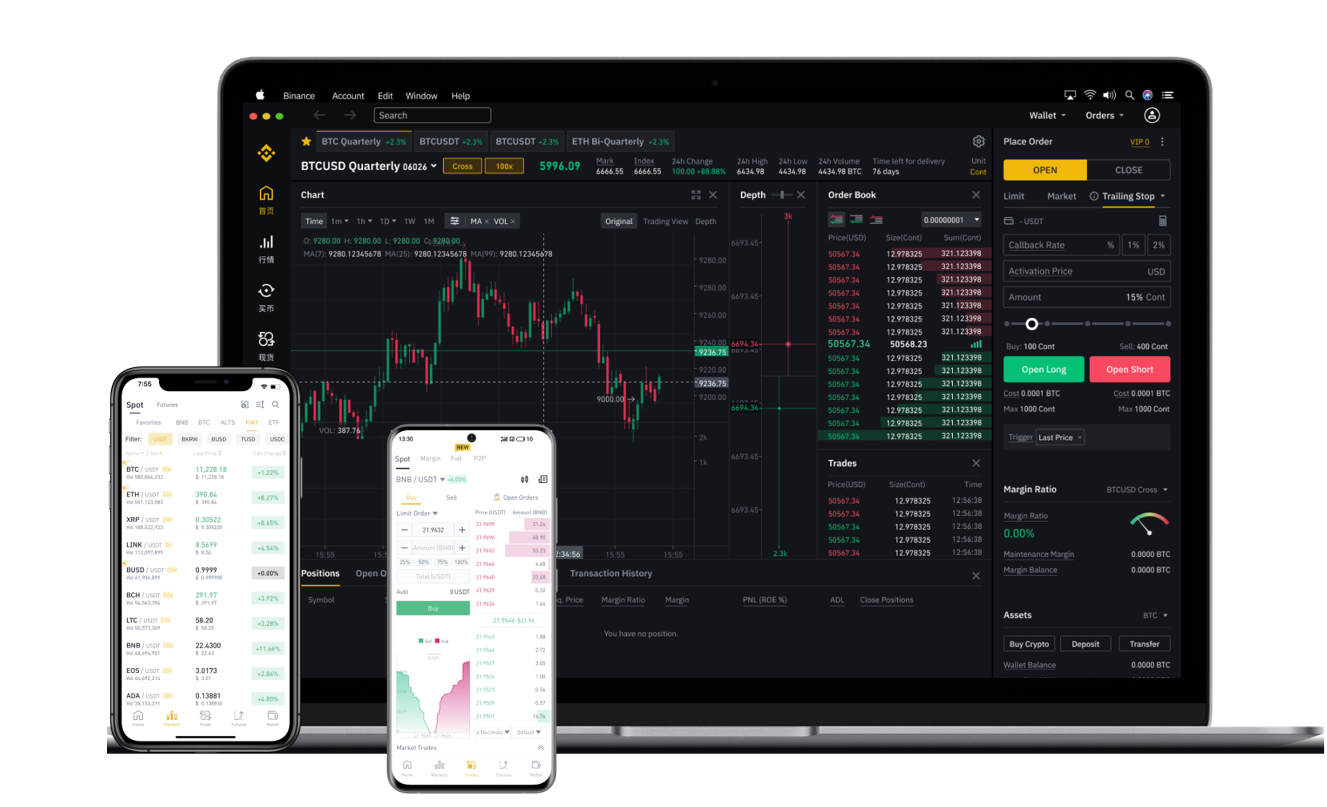
How to Withdraw RVN (Ravencoin) from Binance: A Step-by-Step Guide

Ravencoin (RVN) is a popular blockchain asset designed for token issuance and peer-to-peer transfers. After its listing on Binance, one of the world’s largest cryptocurrency exchanges, many users are eager to understand the withdrawal process. Whether you are moving RVN to a hardware wallet, another exchange, or a decentralized wallet, this guide will walk you through each step, ensuring your funds are transferred securely and efficiently.
Before initiating a withdrawal, ensure that your Binance account is fully verified (KYC complete) and that you have enabled two-factor authentication (2FA) for added security. RVN withdrawals typically require a small network fee, which varies based on current blockchain congestion and exchange policies. Always double-check the withdrawal address to avoid irreversible errors.
Step 1: Log in to Your Binance Account
Access the Binance website or mobile app. Navigate to the “Wallet” section and select “Fiat and Spot.” If you hold RVN in a different wallet (e.g., Funding or Earn), you may need to transfer it to your Spot wallet first by clicking “Transfer.”
Step 2: Locate RVN in Your Asset List
In the Spot wallet dashboard, search for “RVN” using the search bar. If you do not see it, ensure your asset list is not filtered to hide small balances. Once found, click the “Withdraw” button next to your RVN balance.
Step 3: Enter Withdrawal Details
You will be prompted to enter the recipient’s RVN address. This address must be a valid Ravencoin wallet address (starting with “R” or “r”). Copy the address carefully from your destination wallet (e.g., Raven Core, Trust Wallet, or a hardware wallet like Ledger). Avoid typing manually to prevent typographical errors.
Next, select the network. For RVN, the default and only recommended network is “Ravencoin” (RVN). Do not select any other network like BEP20 or ERC20, as this can result in permanent loss of funds unless the recipient wallet explicitly supports those networks.
Enter the amount of RVN you wish to withdraw. Binance may display minimum and maximum withdrawal limits. The network fee will be deducted from your balance automatically.
Step 4: Confirm Security Verification
Binance requires security verification to process the withdrawal. You will typically need to input your 2FA code (from Google Authenticator or SMS), and sometimes an email confirmation code. For large withdrawals, Binance may also require identity verification via a selfie or video call.
Step 5: Review and Submit
Double-check all details: the wallet address (copy-paste the first and last few characters to confirm), withdrawal amount, network selection, and the estimated fee. Once verified, click “Submit” or “Confirm.”
Step 6: Monitor the Transaction
After submission, Binance will process the withdrawal. You can track its status under “Transaction History.” The time it takes for the RVN to appear in your destination wallet depends on Ravencoin blockchain confirmation times (typically 1–2 minutes). You can view the transaction on a Ravencoin block explorer (e.g., RVNExplorer) using the transaction ID (TXID) provided by Binance.
Common Issues and Troubleshooting
If your withdrawal is pending for a long time, check if Binance has placed a “Security Withdrawal” hold (usually 24–48 hours for new addresses or after recent login changes). If the transaction shows as completed on Binance but not received in your wallet, verify that the wallet is synced with the Ravencoin blockchain. For hardware wallets like Ledger, ensure the Ravencoin app is installed and up to date.
In rare cases where an address is entered incorrectly, Binance cannot reverse the transaction. Always test withdrawals with a small amount first when transferring to a new address.
Important Safety Tips
Never share your withdrawal TXID or wallet address publicly. Be cautious of phishing sites that mimic Binance—always use the official domain “binance.com.” For large amounts, consider using a secure, non-custodial wallet that you control the private keys to. Avoid using exchange-to-exchange transfers if you plan to hold RVN long-term; instead, move them to a wallet where you have full control.
Withdrawing RVN from Binance is a straightforward process when you follow these steps carefully. By verifying your wallet address, choosing the correct network, and enabling security measures, you can move your Ravencoin assets safely and efficiently.